Files
0
Use our free Image Compressor Tool to reduce image size without quality loss. Compress JPG, PNG & WebP images instantly for faster website speed.
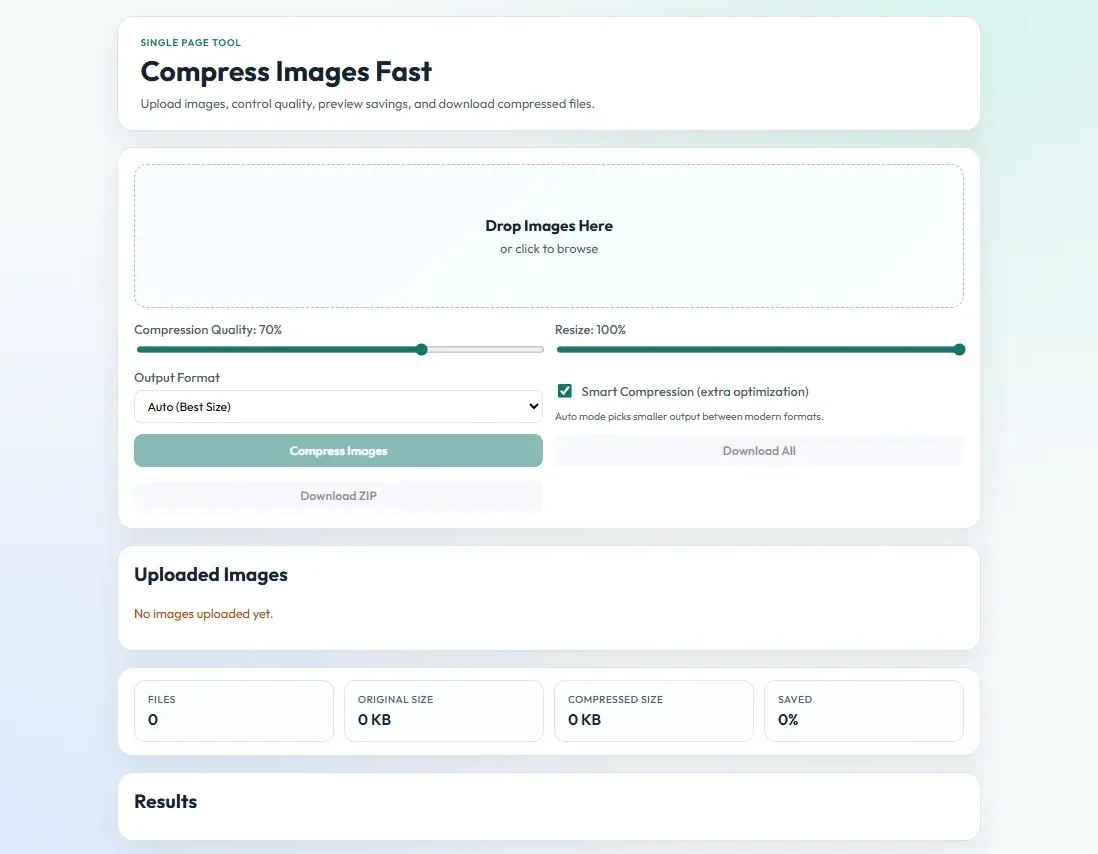
Single Page Tool
Upload images, control quality, preview savings, and download compressed files.
Auto mode picks smaller output between modern formats.
0
0 KB
0 KB
0%
Original:
Compressed:
Saved:
Size:
Type:
In today’s digital world, speed matters more than ever. Whether you are running a website, managing an online store, publishing blog posts, or sharing content on social media, image optimization plays a critical role in performance. Large image files slow down websites, affect user experience, and even harm search engine rankings.
That’s where our Image Compressor Tool is at usnews.live comes in.
Our free online Image Compressor helps you reduce image file size without sacrificing quality. It is fast, secure, easy to use, and designed for bloggers, developers, students, businesses, and digital marketers who want high-performance images without complicated software.
If you’re looking for a simple and powerful way to compress JPG, PNG, or WebP images online, this tool is built for you.

An Image Compressor is an online tool that reduces the file size of an image while maintaining acceptable visual quality. It works by removing unnecessary data, optimizing image structure, and applying intelligent compression algorithms.
When you upload an image, the tool:
Reduces file size
Maintains visual clarity
Improves loading speed
Keeps the format intact
Makes the image web-friendly
Large images may look sharp, but they consume more bandwidth and slow down page loading. A compressed image loads faster, performs better, and improves user experience.
The internet has evolved. Search engines now prioritize website speed and user experience. Google’s ranking algorithms consider page speed a major ranking factor.
Uncompressed images are one of the biggest causes of slow websites. A fast website improves bounce rate, engagement, and conversions.
Search engines reward websites that load quickly. Optimized images help improve Core Web Vitals and overall SEO performance.
Smaller images consume less hosting bandwidth. This reduces server load and improves scalability.
Most users browse from mobile devices. Compressed images ensure smooth loading on slower mobile networks.
Visitors are more likely to stay on your website when it loads instantly.
Using our tool is simple and beginner-friendly.
Step 1: Upload Your Image
Click the upload button and select your image file.
Step 2: Automatic Compression
The tool instantly analyzes and compresses the image.
Step 3: Download Optimized Image
Download your compressed image and use it on your website or platform.
No technical skills required. No complicated settings.
This tool is perfect for:
Optimize blog images to improve SEO and page speed.
Web Developers
Reduce load times and enhance website performance.
E-commerce Store Owners
Compress product images for faster checkout experiences.
Digital Marketers
Improve landing page speed for better conversions.
Students & Professionals
Reduce file sizes for assignments and presentations.
Social Media Managers
Compress images for faster uploads and better engagement.
Understanding how image compression works helps you use it effectively.
Removes some image data
Significantly reduces file size
Slight quality reduction (often unnoticeable)
Best for:
Website images
Social media posts
Product photos
Keeps all original image data
Reduces file size moderately
Maintains full quality
Best for:
Graphics
Logos
Professional designs